
7 of the best Amazon seller tools to boost and scale your listings for better conversions

A friend of mine was migrating her brand from Shopify to Amazon. One night, she called me, stressed. She'd been Googling for hours and signing up for free trial after free trial, just trying to find something that would make Amazon marketing less overwhelming.
"How do you even know which tools actually work?" she asked.
Truth is, we've asked ourselves that same question more times than we can count. As an agency, we've tested dozens of tools over the years. Some promised the world and delivered next to nothing. Others quietly became non-negotiables in how we run our clients' listings.
So when she asked, we didn't just rattle off names. We pulled from what's actually worked, tool by tool, client by client. Here are the 7 that made the cut.
Jump to a tool:
1. PickFu
Use it to split test main images and crowdsource real feedback from Amazon shoppers.

Source: PickFu
Before we push a new main image or A+ layout live, we want proof it will work, not a gut feeling. So we run it past real shoppers who match the client's target audience and get a ranked winner back in minutes.
For example, we recently audited a snack brand and ran a poll on their existing image stack. My instinct told me the image I personally loved should sit near the top.
The shoppers disagreed.
A different image won the most votes, and the voter comments told us exactly why: it paired the trust badges with a close-up of the actual product.
That is the real value of PickFu. It does not just tell you which creative wins, it tells you the order your images should go in and the reason behind it.
And this is not a small lever. Across our clients, testing the main image has driven up to a 547% increase in orders. PickFu takes the "I think this looks better" debate out of the room and replaces it with what shoppers actually pick.
→ Run your first split test for 50% off and see what your shoppers actually pick.
2. VOC.AI
Use it to scrape reviews and pull the customer language that shapes your creatives.

Source: Voc.ai
Every strong listing starts with what customers are already saying, about your product and your competitors' too. VOC.ai reads reviews at scale and surfaces the patterns: the features people keep praising, the complaints that keep resurfacing, the gaps nobody in the category is filling.
The reason we run this before a single image gets designed is simple. Like for one snack client, the same question came up over and over in their reviews and Q&A: "is this actually vegan?" People were asking because the answer was buried. So instead of letting them wonder, we pulled that callout to the front and made it impossible to miss.
That is what review mining gives you.
It tells you the exact doubt to kill and the exact word to put on the image, so you are designing around what shoppers care about instead of what you assume they care about.
3. DataDive
Use it to build and optimize your Amazon listing on the deepest keyword data on the market.

Source: DataDive
DataDive is, hands down, the most advanced tool we have used for building a listing from scratch. We use it on every client project, no exceptions.
It surfaces the high-value keywords, shows us exactly how competitors are ranking for them, and lets us structure a listing that is built to be found, not just written to read nicely.
When we tell a client their SEO is where we always start before touching a single image, this is the tool doing that work. Getting the copy right is its own lever too, and adjusting SEO copy has driven up to a 990% increase in orders across our clients.
If there is one thing on this list we would call non-negotiable, it is this one.
→ This is the one we'd never give up. Take $50 off your DataDive subscription.
4. Helium 10
Use it for almost any Amazon data your brand needs, from keyword research to listing audits.

Source: Helium 10
Helium 10 is what we reach for when we need a bit of everything. Keyword research, listing audits, competitor tracking. It is the Swiss Army knife of the toolkit. When a client comes to us with a listing that is underperforming and we do not yet know why, Helium 10 is usually where we start digging before we form a theory.
→ Try Helium 10 and lock in 20% off for your first 6 months.
5. SmartScout
Use it to reverse-engineer competitor strategy and track where a category is actually moving.

Source: SmartScout
Understanding what is working for your listing is only half the job. The other half is understanding what is working for everyone else in the category. SmartScout pulls back the curtain on competitor strategy, from pricing moves to historical sales trends, so we are never optimizing a listing in a vacuum.
It earns its place most when a client is entering a new category and wants to know exactly who they are up against before they commit a dollar to launch.
→ Size up your category before you launch. Get 25% off SmartScout.
6. Pixii
Use it to rapid-prototype main image ideas before committing to a full shoot.
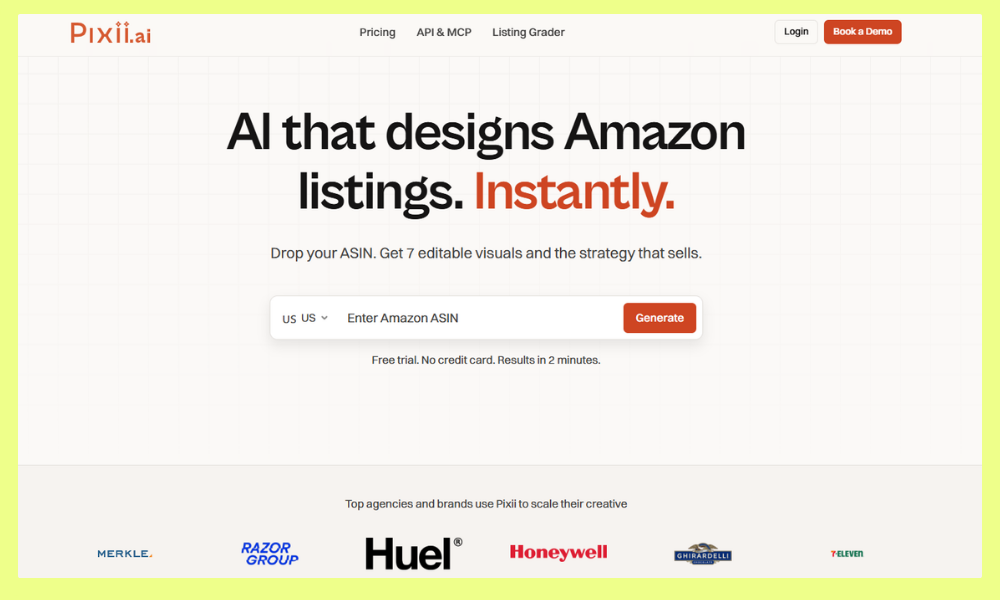
Source: Pixii
The main image makes or breaks click-through, but testing new concepts used to mean paying for a full photoshoot before you even knew if the idea worked.
We have a version of this we run internally: we drop a client's current main image into an AI generator and get a batch of directions back in minutes, then we polish the winner in Photoshop.
Pixii is the off-the-shelf way to do the same thing. It lets us explore more concepts with a client, cheaply and fast, before we lock in the final creative and spend real money producing it.
→ Prototype your next main image in minutes. Use code MINDFULVIP at Pixii.
7. JungleAce
Use it to split test your ad campaigns in days, not weeks.

Source: JungleAce
Split testing on Amazon Ads used to mean waiting weeks for a clean read. JungleAce cuts that timeline down significantly, letting us plug into a client's campaigns and run a proper split test in a few days. When a client is spending real ad budget, that speed is the difference between adjusting this month and finding out next quarter.
→ Get a clean read on your ad tests in days. Use code MINDFULVIP at JungleAce.
Got more Amazon seller tools in mind?
We're always testing. If there's a tool that's genuinely changed how you run your Amazon listings, we'd love to hear about it. Send us a message and we'll put it through its paces the same way we did with everything on this list.
FAQ about Amazon seller tools
What are Amazon seller tools?
Amazon seller tools are software platforms that help brands manage and grow on Amazon. They cover keyword research, listing optimization, review analysis, competitor tracking, split testing, and ad management. Anything that helps a seller make smarter, faster decisions about their listings.
Which tool is best for keyword research on Amazon?
DataDive and Helium 10 are both strong. DataDive goes deepest when you are building a listing from scratch and want to see exactly how competitors rank for high-value terms. Helium 10 is the better all-rounder if you want keyword data alongside listing audits and competitor tracking in one place.
Are split-testing tools like PickFu against Amazon's terms of service?
No. Tools like PickFu and Pixii run outside Amazon. You are showing image or copy options to a panel of shoppers, or generating creative concepts, before anything goes live on your listing. Nothing touches your live listing or manipulates Amazon's own metrics, so there is no TOS issue. It is simply market research, done fast. Ad tools like JungleAce work through Amazon's own advertising API, which is fully sanctioned.
What's the difference between PickFu and Amazon's own Manage Your Experiments?
Timing is the big one. Amazon's Manage Your Experiments (its native A/B testing) only works on live listings, needs a certain amount of traffic, and takes weeks to reach a result. PickFu lets you test before you go live, in minutes, with a target-matched audience. We use PickFu to choose the strongest creative up front, then Amazon Experiments to validate the winner in the real marketplace. They are complementary, not either-or.
Can I optimize my Amazon listing myself, or do I need an agency?
You can absolutely do it yourself. The tools on this list are the same ones a good agency uses, and a motivated seller can run their own keyword research, testing, and creative. What an agency buys you is time and pattern recognition. We have run these plays across hundreds of listings, so we know what usually wins before we test it. If you have the hours and the appetite to learn, start with one tool and one lever. If you would rather hand it off, that is where we come in.
How much do Amazon seller tools typically cost?
It varies a lot. Some run pay-per-use (split-testing platforms often charge per test or per response), others are monthly subscriptions that scale with your catalog size or feature access. Most of the tools here offer a discount or trial, so you can test before committing.
What tools do agencies use for Amazon listing optimization?
Most agencies use a mix that covers the full listing lifecycle: keyword and competitor research (DataDive, Helium 10, SmartScout), customer insight (VOC.ai), creative testing and production (PickFu, Pixii), and ad testing (JungleAce). The exact stack varies, but almost nobody relies on a single all-in-one tool. The combination is the point.
How do I choose the right Amazon seller tool for my brand?
Start with your biggest pain point. If you do not know which keywords to target, start with a research tool. If your images are not converting, start with a testing tool. You do not need all seven at once. Build your stack as your needs grow.
The tools are only as good as the strategy behind them
Across the brands we work with, 83% see a lift in sales by focusing on three levers: SEO copy, the main image, and the content inside the listing. If you'd rather have that run for you than build the stack yourself, that's what we do.


